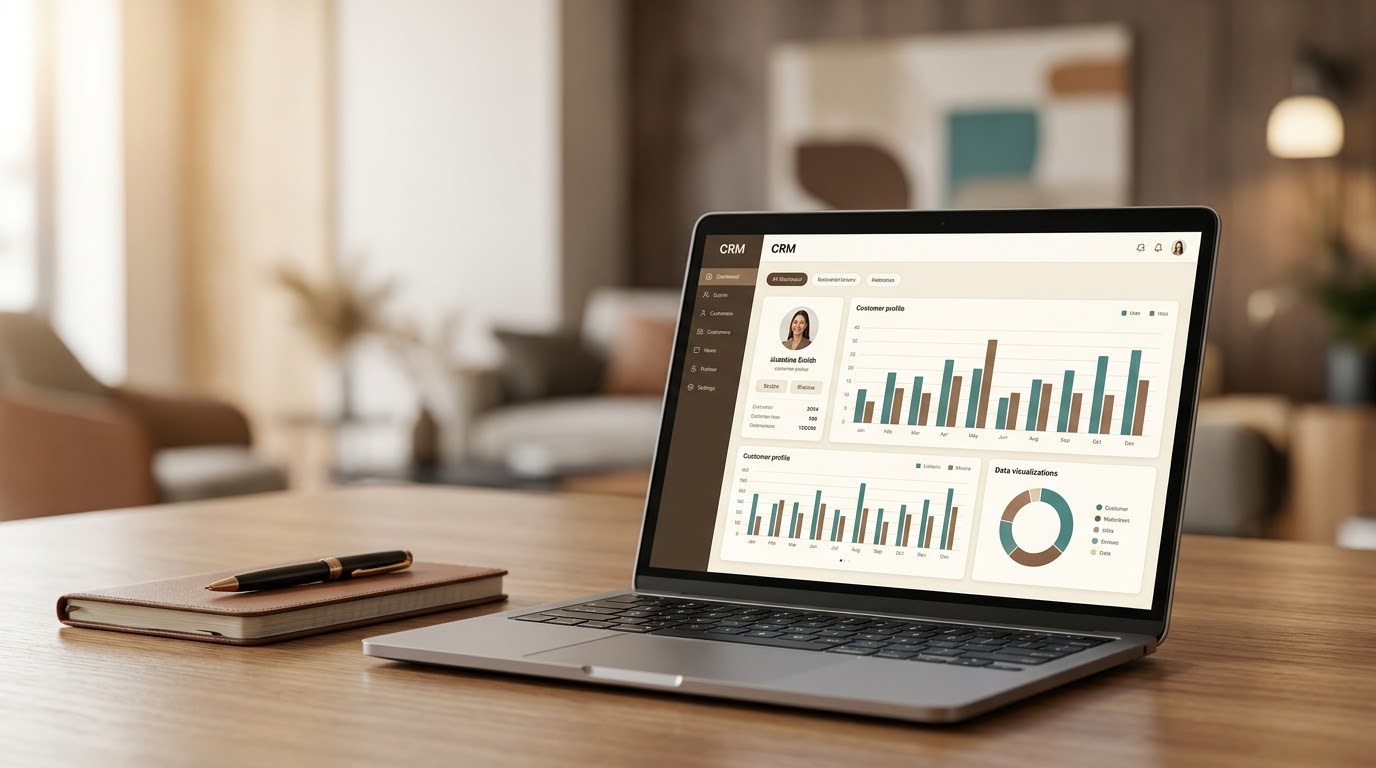
Custom CRM System Development Company | OneSystem 2026
When spreadsheets stop coping: what a CRM is really for
Customer data scattered across spreadsheets, sales slipping out of control, and reps who can't recall who they spoke to and when — these problems are familiar to many businesses in Uzbekistan and Tashkent, and to growing companies everywhere. A modern, custom-built CRM system is what solves them.
A CRM is not "software for watching your salespeople". It is the system where everything about a customer — the history, the agreements and the next step — lives in one place. Below we go through what actually changes in daily work, what to prepare before the project starts, and how such a project is run.
What changes in daily work
The clearest way to see the difference is to follow a single lead. Without a CRM: the customer messages you on Instagram, a rep saves the number in their phone, the follow-up never happens because the next day is busy, and the lead quietly disappears. With a CRM the same lead becomes a record automatically, an owner is assigned, a reminder is set for the next contact — and if it isn't done, that is visible.
- No enquiry gets lost: messages from the website form, from Telegram and from phone calls all land in one list.
- The history is preserved: every contact, call and agreement is recorded. Staff leave; the data stays.
- The pipeline is visible: one screen shows how many deals sit at each stage and where they are stalling.
- Reports stop being a request: sales, staff performance and revenue reports are generated automatically, with no end-of-day spreadsheet filling.
- The owner knows without asking: the answer to "how is this month going?" is always on screen.
What a CRM is made of
- Customer database — contacts, lead source, order history and correspondence.
- Sales pipeline — your real stages: enquiry, proposal, agreement, payment, close.
- Tasks and reminders — who should contact whom and when, held by the system rather than by memory.
- Reports — leads by source, conversion, average deal size, a breakdown per manager.
- Roles and permissions — each employee sees only what concerns them; the owner sees everything.
- Integrations — Telegram, IP telephony, payment systems and the forms on your website.
These building blocks are described in more detail on the CRM system development page.
Off-the-shelf CRM or a custom one?
Products like Bitrix or amoCRM start quickly and are perfectly reasonable when your process is standard. But they are generic — lots you don't need, and sometimes missing what you do. In practice you adapt to their template rather than the other way round, and you pay every month for every user.
A custom CRM is built around your workflow and carries no monthly subscription. It is built once, and it grows as the business grows: new modules, new integrations, new automation rules.
How to choose? A practical test: if your process contains logic that off-the-shelf products don't cover — your own pricing calculation, staged payments, a link to production or warehouse stock, reporting across several branches — a custom system works out cheaper over time.
Integrations that matter in Uzbekistan
Telegram and your website
This is the most requested integration: a form on the site or an order in a Telegram bot lands straight in the CRM. Nobody copies anything by hand, and the lead source is stored automatically — which is how you learn which advertising actually works.
IP telephony
When calls are connected to the CRM, you can see who called whom and when, how long the conversation lasted, and which calls went unanswered. A missed call is usually a lost customer.
Payments and documents
With payment systems connected, payment status shows on the record itself, and automatic reminders can go out to customers with outstanding balances. Generating invoices and contracts from inside the system is another common requirement.
Website, store and stock
If you run an online store, it makes sense for orders to arrive in the CRM: the whole customer history, from first enquiry to repeat purchase, then sits in one place. When your website or online store and the CRM share the same logic, data is not duplicated across two systems.
What to prepare before you start
Much of a CRM project's success is decided before the first line of code. Think through the following in advance:
- Write down the process: where a lead comes from, who receives it, what happens next. A simple diagram on paper is enough.
- Define the pipeline stages: five to seven real stages are plenty. An over-detailed pipeline just wears the team down.
- Decide which fields are mandatory: what do you genuinely need to know about a customer? An unnecessary field is an empty field.
- Define the roles: who sees what, and who is allowed to change it.
- Gather your current database: whatever lives in Excel, Google Sheets or another system, in one place.
- List the reports you need: the numbers a manager wants to see daily and weekly.
- Appoint one decision-maker: a single point of contact on your side speeds the project up noticeably.
How the project runs
- Process discovery — we observe how you work today. The CRM should adapt to the process, not the other way round.
- Structure and mockup — we agree on the sections, fields and reports you need, and show a mockup.
- Development — the system is built in stages, with the result visible to you at each one.
- Migration and training — we migrate your existing data and train your team to use the system.
Every project starts with discovery and a requirements specification, followed by design, development and testing. Technical support continues after launch.
Common mistakes
- Cramming everything into version one. Once the pipeline, records and reminders work, the system is already paying off. Everything else is cheaper and better specified after real use.
- Not training the team. Even the best CRM stays an empty database if nobody enters anything. Training and close attention in the first weeks are part of the project.
- Not migrating the old data. If a manager keeps working from the old spreadsheet, you end up with two systems.
- Presenting the CRM as a disciplinary tool. If the team reads it purely as surveillance, records get filled in selectively. Show the rep the benefit instead: reminders, ready templates, instant search.
- Leaving reports until the end. Say which numbers matter at the start and the data will be collected in the right shape.
Security and data ownership
The customer database is one of a company's most valuable assets. Role-based permissions, encrypted connections and regular backups are therefore built in as standard. In your own system the data also stays yours: nothing has to be exported out of a third-party platform, and there is no risk of losing access when a subscription lapses.
Why OneSystem
OneSystem is a web and mobile app development agency based in Tashkent. We build tailored CRM systems from the ground up. Instead of forcing your team into a rigid off-the-shelf product, we design software that matches the exact way your business sells and serves its customers.
We rely on proven technologies such as Laravel, React and PostgreSQL to deliver secure, scalable systems. The outcome is faster deal cycles, fewer mistakes and measurable revenue growth. A warranty period follows delivery, and technical support continues after that.
Frequently asked questions
How long does CRM development take?
A CRM with core features usually takes 4–8 weeks; a complex system 3–6 months. The timeline depends on the number of modules and integrations — we confirm it once we've scoped the work.
Why not an off-the-shelf CRM?
Off-the-shelf systems are generic — lots you don't need, and sometimes missing what you do. A custom CRM is built around your process and carries no monthly subscription.
Can you migrate my existing data?
Yes. Migrating a customer base from Excel, Google Sheets or another system is part of the work. Before the migration we agree together on how to clean duplicates and map fields.
Can the CRM be used from a phone?
Yes. It runs in the browser and adapts to phone screens — no separate app required.
Will my team manage to use it?
We train your staff before launch. You approve the mockup in advance, which is precisely why the interface ends up close to how your team already works.
How is the price calculated?
Price depends on the number of modules, the integrations you need and how complex the reporting is. In the free consultation we go through your process and pin down the scope.
Ready to automate?
If sales are currently held together by spreadsheets and chat threads, a CRM shows a difference within the first weeks. Contact OneSystem for a free consultation, and let's build the CRM solution your business deserves.