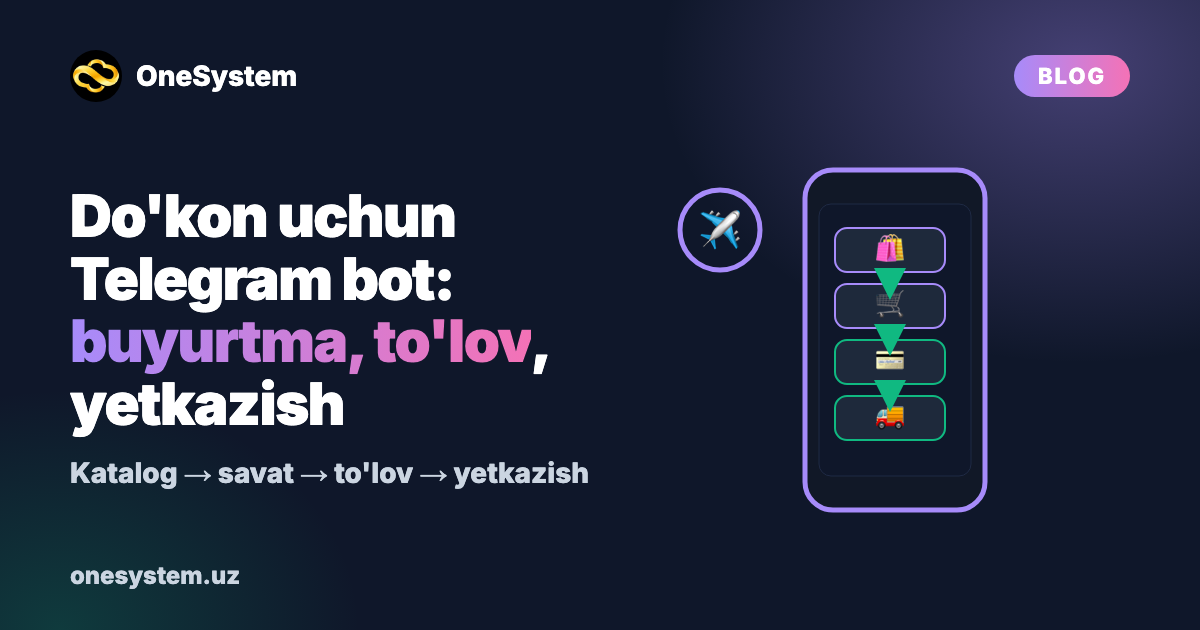
Telegram Bot for Your Store: Orders, Payments and Delivery in One Place
Your customers are already on Telegram: they ask questions, request photos and want to know prices. The problem is that all of it is handled manually: a manager replies, copies the order into a notebook, checks the payment and calls a courier. The more customers you have, the more mistakes happen.
A Telegram bot for your store turns this process into one orderly flow. In this article we look at the bot not as technology but as the customer journey: what happens from the moment a customer opens the bot until they receive their order — and what the store gains at every step.
This is not a price list. Every store's process is different, so we work out cost and timeline in a free consultation.
The customer journey: 6 steps
Step 1. Entry and greeting
The customer opens the bot through a link on your Instagram, your website or a QR code. The bot greets them and shows the main buttons: Catalog, Cart, My orders, Contact. The customer picks a language: Uzbek, Russian or English.
What the store gains: every new customer is automatically added to your base — later you can send them offers or news.
Step 2. Catalog and search
Products are organised into categories with photos, a short description and size or colour options. If you have many products, search and filters are added. If the catalog is very large, a full mini app (an app window) opens inside the bot — we have a separate article about that.
What the store gains: managers stop answering "is this available?" and "can you send a photo?".
Step 3. Cart and checkout
The customer adds items to the cart, changes quantities and places the order. The bot asks for everything it needs: name, phone (shared with one button), address or location, and delivery time.
What the store gains: orders arrive complete and in the same format — fewer "you forgot the address" messages.
Step 4. Payment
The customer chooses a convenient method: cash, card to the courier or online payment. For online payment the bot connects to a payment system, and the payment status is checked automatically.
What the store gains: no more manually checking "I've paid, here's the receipt" screenshots.
Step 5. Delivery and status
Once the order is accepted, the customer can see its status: accepted → being prepared → on the way → delivered. The bot sends a message at every change. Couriers can have their own role: they see their orders and update the status.
What the store gains: fewer "where is my order?" calls.
Step 6. Repeat purchase
After delivery the bot asks for a rating, offers a bonus or promo code for the next purchase and, if needed, sends occasional reminders.
What the store gains: one-time buyers become regular customers.
What the store owner sees: the admin panel
While the customer uses the bot, the owner and the team work in the admin panel:
- Products: add items, change prices and stock, update photos — no developer needed.
- Orders: new-order notifications, status changes, assigning couriers.
- Customers: who bought what and when they last ordered.
- Broadcasts: send an offer or news to all or selected customers.
- Reports: sales, best-selling products, orders by day.
However convenient the bot is, without an admin panel the store depends on a developer for every change. That's why for most stores an admin panel is an essential part.
Which systems it can connect to
A bot shouldn't live on its own. It's usually connected to:
- payment systems — to accept and automatically verify online payments;
- a warehouse or accounting system — so stock in the bot is always up to date;
- a CRM — so customer history is kept in one place;
- your website — so the site and the bot share one catalog and one price list;
- a delivery service — so orders are passed to couriers automatically.
Each integration is separate work with separate testing. So it's usually best to choose the most essential ones first and leave the rest for the next stage.
Before launch: a checklist for your store
If you prepare these before ordering a bot, the work goes much faster:
- Product list — name, price, category, photo (an Excel file is fine).
- Delivery rules — zones, time slots, conditions.
- Payment methods — which ones you accept.
- Who is responsible for what — who accepts orders, who hands them to couriers.
- Frequently asked questions — opening hours, returns, warranty.
- Languages — which languages your customers write in.
Common mistakes
- Everything at once. Start with the catalog, orders and notifications — add payments, bonuses and integrations later.
- Not testing the customer journey. Before launch, have 3–4 people place real orders.
- Not updating stock. If the bot says "in stock" but the warehouse is empty, customers lose trust.
- Removing people entirely. Always keep a "Contact a manager" button for complex questions.
- Only a bot. A bot serves existing customers; new customers come from Google through your website. When one team builds both, they work together smoothly.
How to introduce the bot to customers
Even the best bot won't work if customers don't know about it. After launch, place it at every touchpoint:
- Instagram bio and highlights: an "Order in our bot" link and a short video guide.
- Packaging and receipts: a QR code saying "place your next order in the bot".
- Website: an "Order on Telegram" button on every page.
- First-order bonus: a small gift or discount for the first order through the bot (you set the terms).
- Manager replies: send customers who write on Instagram a link — "it's faster in our bot".
How to track results
After launch, review a few indicators every month — they show where to improve the bot:
- orders placed through the bot and their share of total sales;
- abandoned carts — customers who chose items but didn't finish the order;
- repeat buyers — whether bonuses and reminders are working;
- most viewed and best-selling products — reorder the catalog based on them;
- questions handed to a manager — which ones could be added to the bot and automated.
These indicators are built into the admin panel reports.
Frequently asked questions
How much does a Telegram bot for a store cost? The price depends on features (catalog, payments, delivery, bonuses), the admin panel and integrations. We'll look at your store's process and give you a price in a free consultation.
Can the bot accept online payments? Yes, the bot connects to a payment system and checks the payment status automatically. Which system is connected depends on your store's agreements.
Can I change products myself? Yes, through the admin panel: you change prices, photos, stock and descriptions without a developer.
What's the difference between a bot and a mini app? A bot works through messages and buttons — enough for a simple catalog and orders. A mini app is a full app window inside Telegram, better for a large catalog and a convenient cart.
Who supports the bot after launch? We do: monitoring, bug fixes and new features. We work with a warranty.
Summary
A Telegram bot for your store isn't a "chat" — it's a sales process: catalog, cart, payment, delivery and repeat purchase in one flow. What matters most is building the customer journey right and giving your team a convenient admin panel. Start small, see what works, then expand.
Get the cost of a bot for your store in a free consultation
Tell us how your store works: we'll choose together which steps to start with and estimate the cost and timeline for your project.
- 💬 Telegram: t.me/OneSystem_uz
- 📞 +998 91 121 90 15
- 🌐 onesystem.uz
Useful links:
- Telegram bot development: /services/telegram-bot
- Our work: /portfolio
- Telegram store bot: automate sales 24/7: /blog/telegram-dokon-bot-yaratish-savdoni-24-7-avtomatlashtiring
- Online store: website and app: /blog/online-dokon-yaratish-internet-dokon-sayt-va-ilova-bilan